oiper-desktop
Voice -> Text for desktop
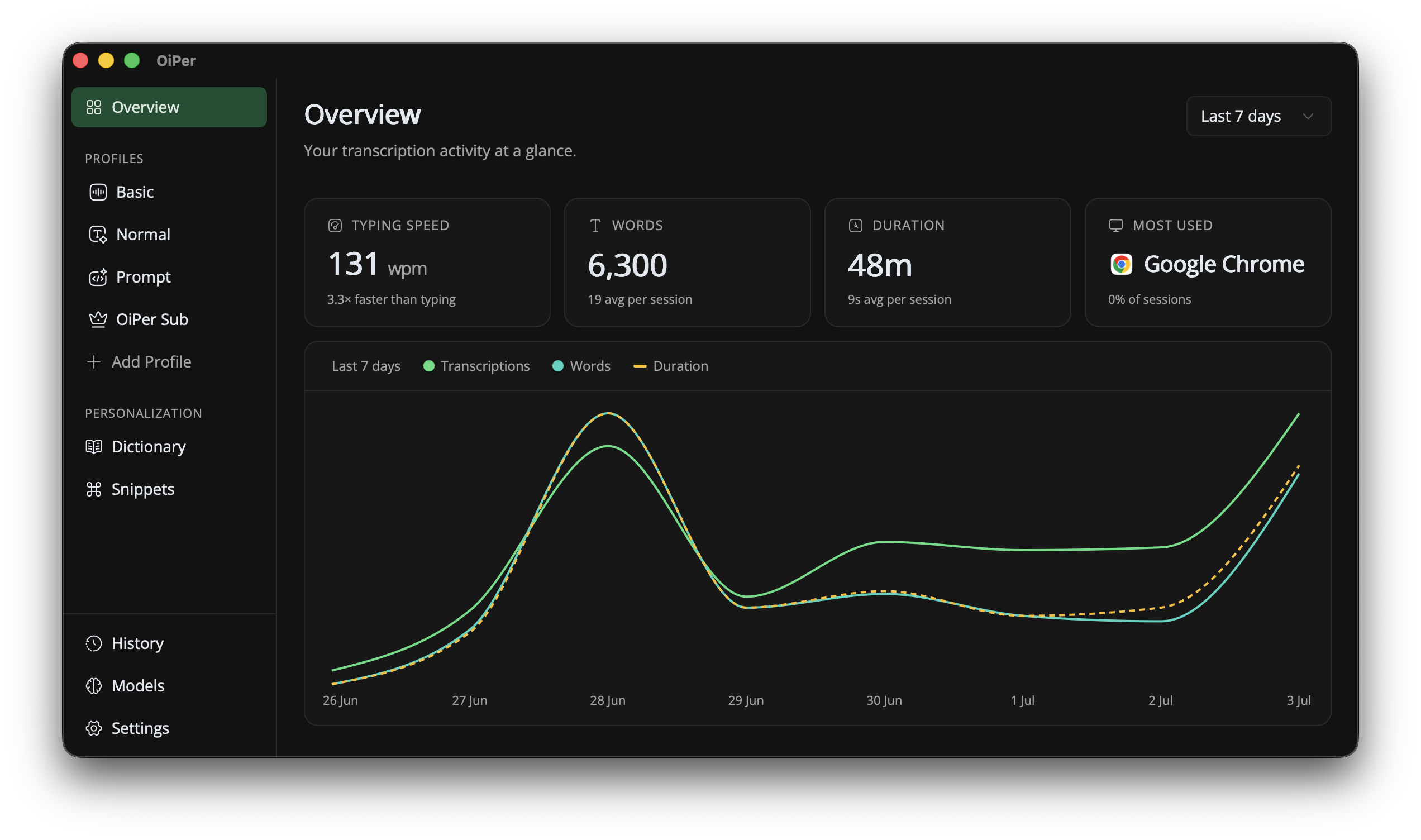
Write with your voice. Locally but blazingly fast.
OiPer (Not released yet)
OiPer is a privacy-first voice-to-text desktop app. Hold a global hotkey to record, release to transcribe, and the result is injected into the active app. Optional text cleanup can run locally or via an online provider.
Quick start
- Download OiPer from: https://github.com/oiper/desktop/releases
- Open OiPer and follow the onboarding instructions to set up your preferred speech model and hotkey.
- Hold the hotkey to record your voice, release to transcribe, and the result will be injected into the active app.
Supported platforms
- ✅ macOS: Fully supported.
- ✅ Windows: Fully supported.
- 🚧 Linux (X11): Limited support.
- ❌ Linux (Wayland): Not supported yet.
Privacy
- Transcription runs locally on your machine.
- Activity logs and audio and other data stay on-device.
- Online optimization is optional and requires your API key.
Troubleshooting
macOS: "OiPer is damaged" or app won't open
During our development phase, before the official release, the app is not yet signed with Apple. If macOS blocks the app or reports it as damaged, run the following command in Terminal to remove the quarantine attribute:
xattr -rd com.apple.quarantine /Applications/OiPer.app
macOS: Permissions not working after an update
After updating the app, you may need to grant permissions again from scratch. Even if the app already appears as allowed in the system permissions list (for example, Microphone or Accessibility), it may not actually work. In that case, remove the existing entry and add it again.
Help and feedback
- Use GitHub Issues to report bugs and request features: https://github.com/oiper/desktop/issues
- Use GitHub Discussions to ask questions and share ideas: https://github.com/oiper/desktop/discussions
- Check the Releases page for updates: https://github.com/oiper/desktop/releases